FlutterFlow comes with a wide range of prebuilt features, from authentication flows to API integrations. But no platform can anticipate every possible need. At some point, you may need to integrate with a unique service, add special logic, or create an interaction that is not available out of the box.
This is where Custom Actions come in. Custom Actions let you write your own Dart code and run it as part of your app’s action flows. They give you flexibility to extend your app while still benefiting from everything FlutterFlow handles for you.
The good news is that writing a Custom Action does not require you to rebuild your app from scratch. With a few lines of code, you can tailor FlutterFlow to your exact requirements.
What You Can Do With Custom Actions
Custom Actions are useful whenever you need to go beyond the built-in features. For example, you can:
- Call a third-party API that is not natively supported
- Run calculations or data transformations before saving to the database
- Add custom error handling or logging
- Trigger advanced animations or UI changes
- Work with package dependencies from pub.dev
If you have ever thought “I wish I could tweak this one part of the logic,” chances are a Custom Action can solve it.
How to Create Your First Custom Action
Here is a simple walkthrough to create and run your first Custom Action.
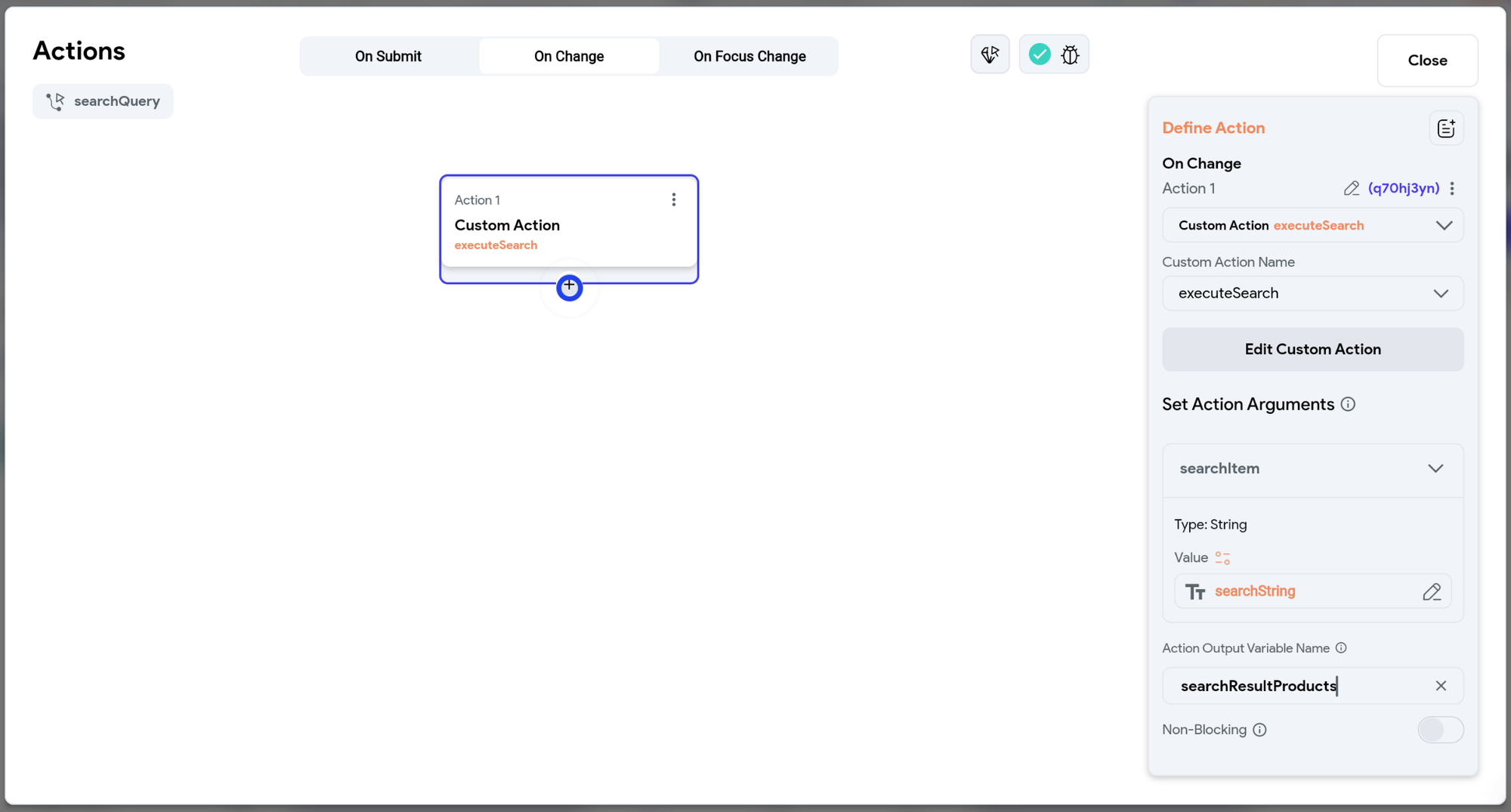
Step 1. Open the Custom Code Section
In FlutterFlow, go to Custom Code > Actions and click + Add Action. Give your action a name that describes its purpose.
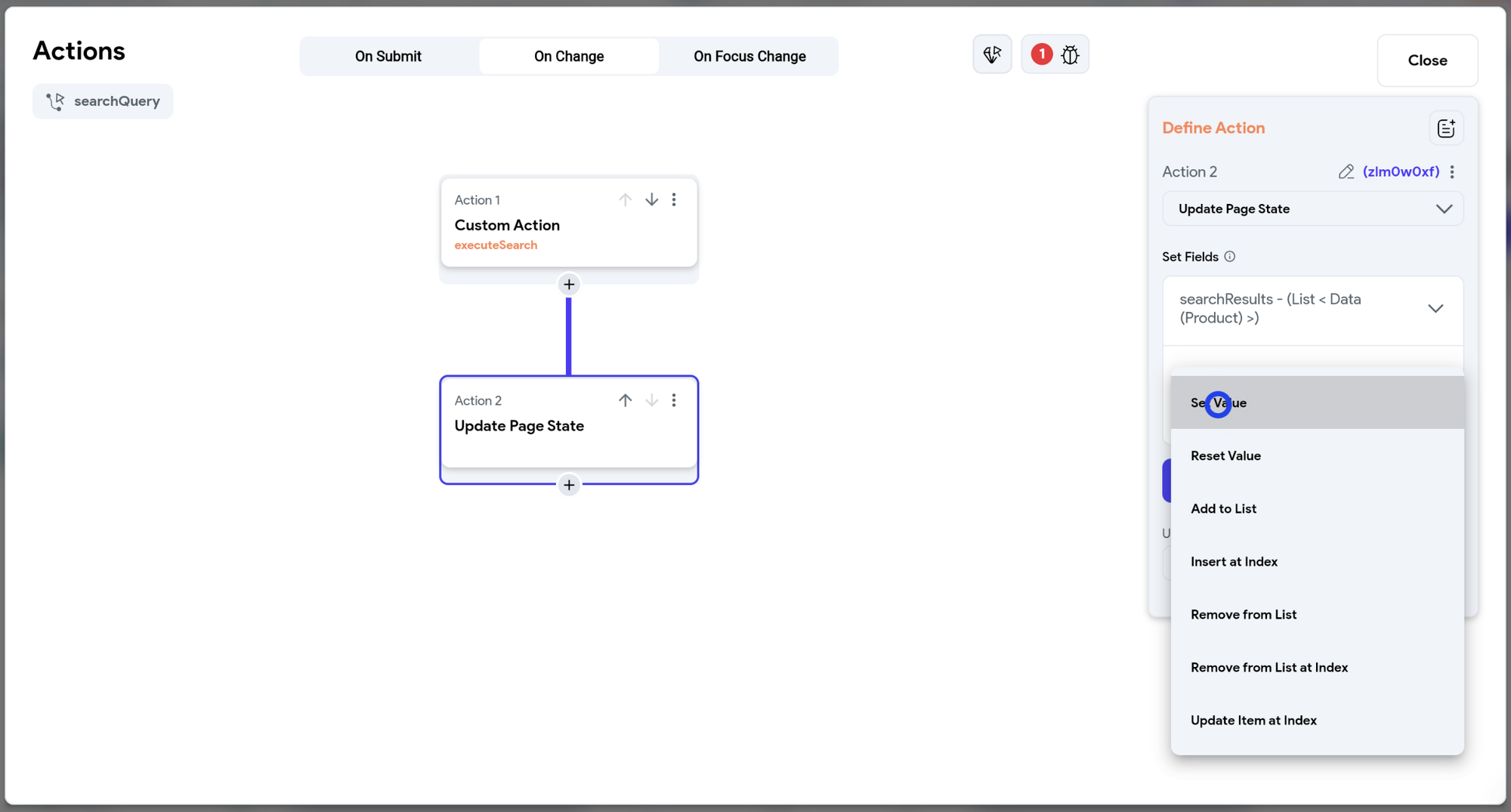
Step 2. Define Input Arguments
Decide what data the action should receive. For example, if you are writing a function to calculate a discount, you might want two arguments: price and discountPercentage.
Step 3. Add Your Code
Use the built-in code editor to write your Dart logic. FlutterFlow automatically generates boilerplate imports so you can start coding immediately.
Step 4. Compile and Test
Once it compiles, you can use your action inside any Action Flow. For example, you could trigger it when a user clicks a button and then display the returned value in a text widget.
Step 5. Reuse Everywhere
Your new action is now available across your project. You can reuse it just like any other FlutterFlow action.
Best Practices for Custom Actions
To get the most value from Custom Actions, keep these tips in mind:
- Start small: Write short, focused actions that do one thing well.
- Use input arguments and return values: This makes your actions flexible and reusable.
- Document your code: Add descriptions so teammates understand how to use it.
- Leverage pub.dev: Import trusted packages when you need extra functionality.
- Test thoroughly: Compile often and confirm that your action behaves as expected in different scenarios.
Real-World Examples
- An e-commerce app adds a Custom Action to calculate shipping costs based on weight and destination.
- A startup integrates a third-party weather API to personalize its home screen.
- An agency creates a reusable Custom Action that handles client-specific analytics tracking across multiple apps.
Bringing It Together
Custom Actions are one of the best ways to extend FlutterFlow beyond its built-in features. They give you the flexibility of traditional coding without losing the speed and collaboration of visual development.
By writing your first Custom Action, you unlock the ability to tailor your app exactly to your needs. Whether it is connecting to an external API, running a unique calculation, or adding custom logic, Custom Actions make FlutterFlow a platform that grows with you.